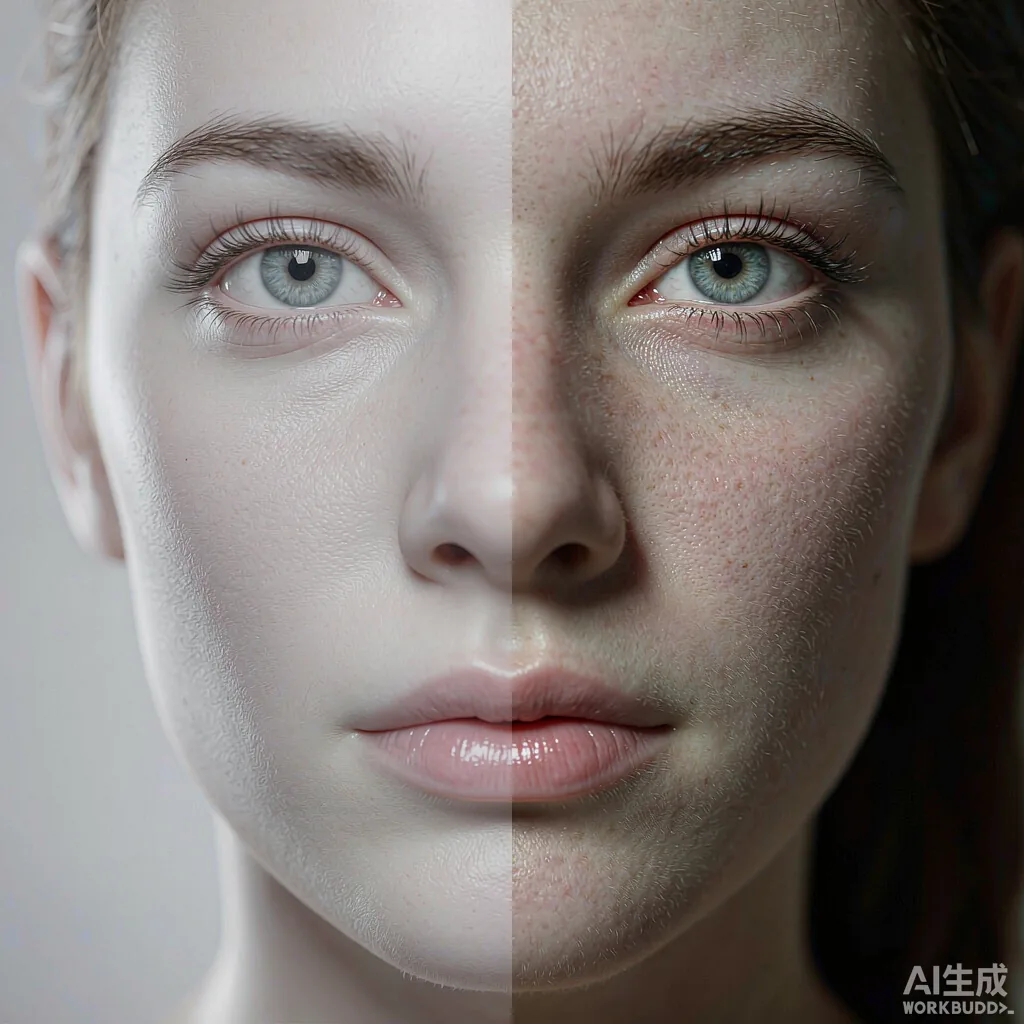
AI Photo to Real —Remove that obviously fake AI look

Give AI-generated photos a realistic finish: add skin texture, restore natural light and remove the plastic AI look.

No watermark 2-second results Seamless editing 800K+ users 10M+ images
Demonstration of AI photo realism effect: Transform AI-generated photos into realistic images: add skin texture, restore natural lighting and shadows, and remove the obvious plastic look.
Give AI photos a realistic finish

Get AI Photo to Real done with AI and receive 5 free credits on signup. Add skin texture, restore natural light and remove the plastic look from AI-generated photos.

Our AI Photo to Real tool excels where others struggle: lifelike skin texture, physically plausible lighting and believable depth of field. Describe what you want in one sentence and let the AI do the rest.

Sign up for free to unlock the full experience: higher quality, more controls, watermark-free results, and more tools to create the perfect image.

AI Photo to Real

Make any AI image look realistic: add true skin texture, natural light and lens depth. Free online converter for realistic AI photos. Works in your browser.

AI-generated photos are often too smooth with unnaturally clean light — too perfect to be real. This tool restores skin texture, natural light and lens depth so the result looks genuinely photographed.

It is the flagship tool within the same family of tools. It can be used if the focus is on removing AI flaws rather than achieving overall realism.

← Back to the AI-to-Real category